Browser Extension
Enhance your NexusSales workflow by installing our Chrome extension. Easily capture leads from OneLink, autofill customer details into your CRM, and access NexusSales tools without leaving your browser.
How to Use the Extension
- Go to your NexusSales Settings in the app.
- Under Business Profile, copy your API key.
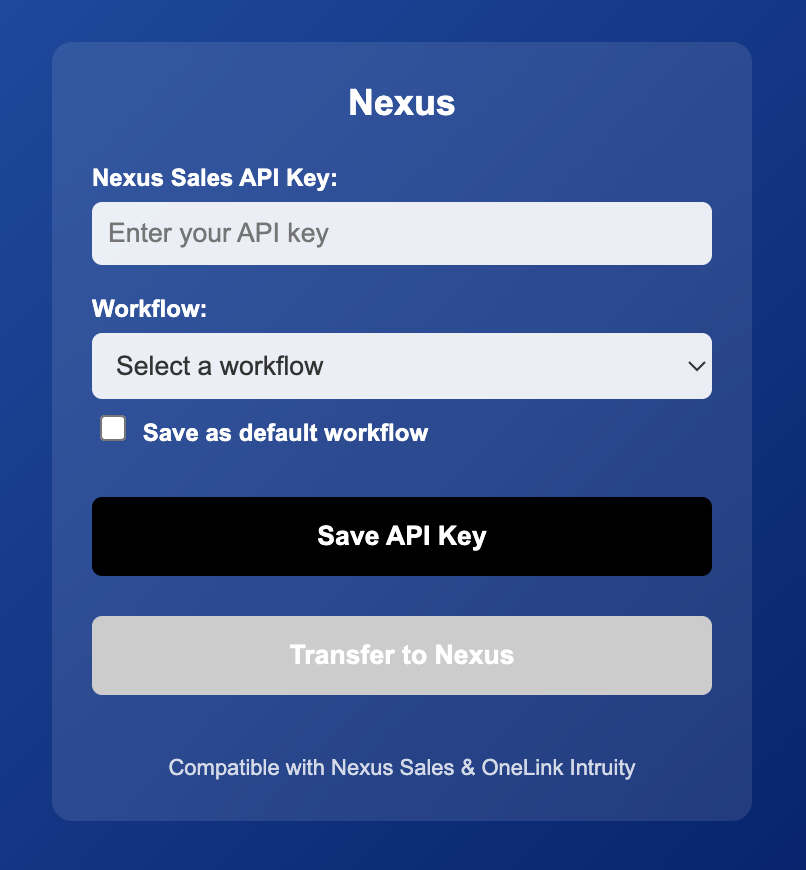
- Open the browser extension, paste your API key into the field, and click Save.
- Select which workflow you’d like to use, then set it as the default.
- The extension is now ready to use!